
How it works
- 1
open the mobile browser on your phone and load the official address, www.spinfinite.com, typed manually rather than from a forwarded link.
- 2
sign in or register, then confirm the email address linked to the account before you touch any promotion.
- 3
open the browser menu and choose "Add to Home Screen" (iOS Safari) or "Install app" / "Add to Home screen" (Android Chrome).
- 4
launch the new icon once to check that the session, coin balance and game lobby load in full screen.
- 5
set notifications and screen orientation to your preference, then keep the shortcut as your only entry point.
| Item | Status | What it means in practice |
|---|---|---|
| Native iOS app | Not confirmed by the operator | Use Safari and a home screen shortcut instead |
| Native Android app | Not confirmed by the operator | Use Chrome; an APK from a third party is a risk, not a shortcut |
| Mobile browser play | Supported, per review portals | Lobby, coin balance and games open in portrait |
| Operator | Mamba Limited, incorporated in Isle of Man | Stated on the Spinfinite website footer |
| Market focus | United States, per the brand's own wording | UK readers should treat access and eligibility as uncertain |
| Model | Sweepstakes-style social casino, per review sites | Gold Coins for fun play, Sweeps Coins for prize play |
| Licence | No licence details found by us | Check the Spinfinite website for its current legal wording |
Native app or web app: current status
Zero confirmed downloads: at the time of writing we found no Spinfinite listing on the App Store or Google Play, and no download page on the brand's own site. In practice that means mobile play happens in the browser, which is normal for sweepstakes-style operators. Store policies around virtual coin purchases and prize redemption are strict, so many social casinos skip the app route entirely and invest in a responsive site instead. If you see a page offering a "Spinfinite app" as an installable file, treat it as unverified and avoid it.
What you get instead is a web app: the same site, saved to your home screen, running in a browser engine without the address bar. Functionally the gap is small. Slots load through the same HTML5 players used on desktop, the lobby filters work with taps, and your session is the same one the browser holds. The differences show up in small places - push notifications behave differently on iOS, and a web app cannot use biometric unlock the way a store-installed app can.
Spinfinite is a new name in 2026, and new brands often ship mobile improvements before they ship an app. Our reading of the available reports is that the lobby was built mobile-first, with vertical scrolling and a bottom-heavy control layout rather than a shrunken desktop grid. For context on the wider product, see our Spinfinite review, and for the game side the breakdown of slots, tables and studios.
Practical tip: bookmark the official address once, then stop searching the brand name - fake "app" pages cluster around brand searches.
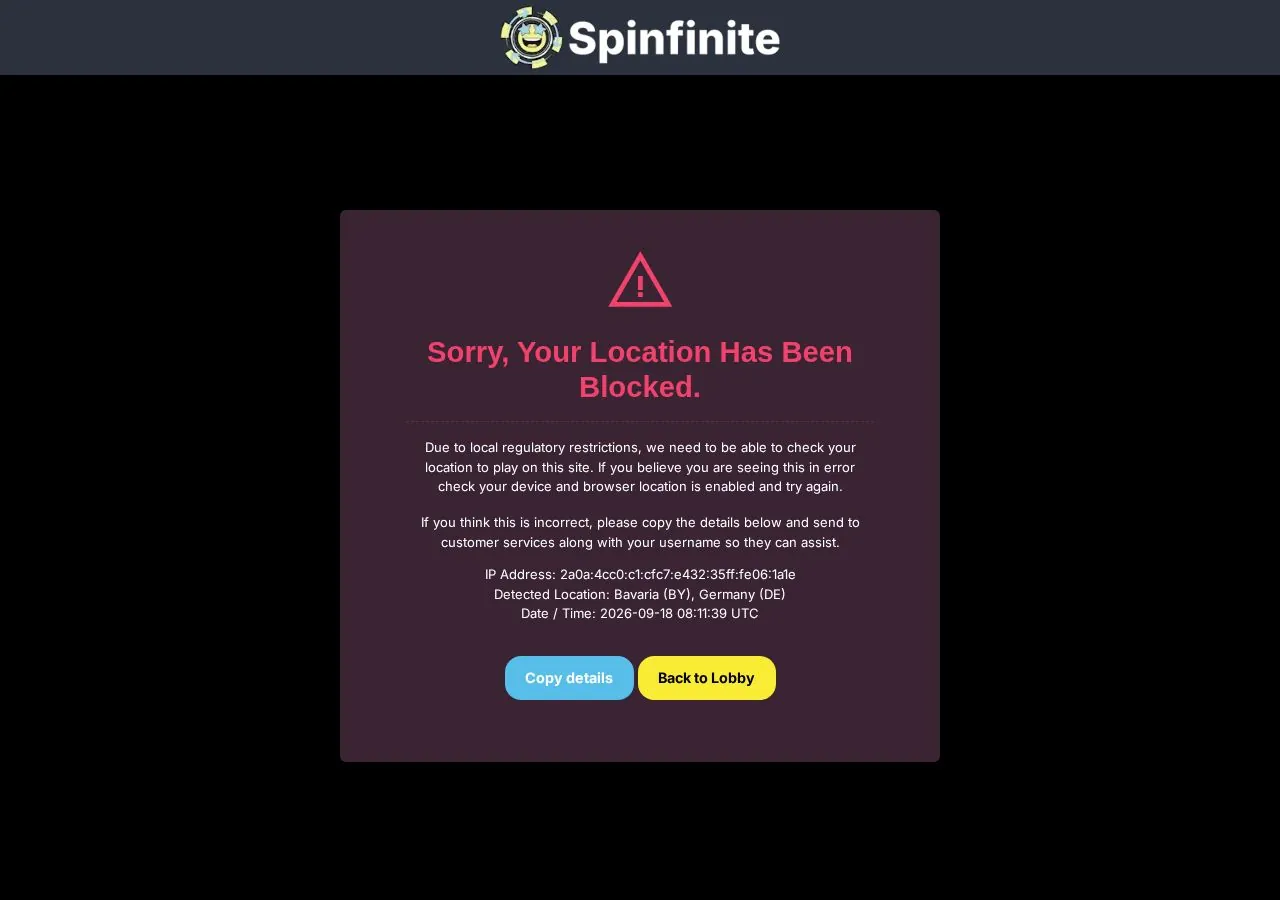
Adding the site to your home screen
Two taps on iOS, three on Android: that is the whole installation. In Safari, tap the share icon, scroll to "Add to Home Screen", edit the name if you want something short, then confirm. In Chrome on Android, open the three-dot menu and choose "Install app" or "Add to Home screen" depending on your version. The icon that appears behaves like an app icon, including in the app switcher, and it opens the site without browser chrome.
Three details are worth knowing before you do it. First, the shortcut stores the URL, not the login - if you clear site data, you are signed out. Second, a shortcut created from a search result may carry tracking parameters, so create it from the clean homepage. Third, on iOS a home screen web app keeps its own cookie jar in some versions, which means you may need to log in again the first time you open it even though Safari still has you signed in.
If you use more than one phone or share a tablet, keep the shortcut on your own device only. Sweepstakes accounts are single-user by design, and shared sessions are one of the easiest ways to trip a verification review later. Our login guide covers what to do when a session drops mid-game.
Practical tip: name the shortcut with one word so the label does not truncate under the icon.
Performance, data use and battery
Roughly 2 to 6 MB per slot session is the realistic range for a modern HTML5 title after the first load, with the initial lobby and asset download costing more. Browser play at Spinfinite follows the same pattern as any web-based casino: the first opening of a game is the heavy one, after which assets sit in cache. Ten minutes of spinning on a mid-range phone is closer to streaming a podcast than streaming video, so a normal mobile plan handles it without drama. Live-style or video-heavy content is the exception and can multiply that figure several times over.
Battery cost comes mostly from the screen and from animation frames, not from the network. Reducing brightness, turning off in-game sound and closing background tabs makes a measurable difference on older handsets. If a game stutters, the usual causes are a full cache, an outdated browser version or a weak connection, in that order. We would also close any battery-saver mode before a session, because aggressive throttling can pause background scripts and break a round mid-spin.
Storage is worth a monthly look. Cached casino assets can grow into hundreds of megabytes across a long period of play, and clearing site data fixes a surprising share of loading complaints - at the cost of signing you out. Trustpilot feedback we have seen describes games running smoothly and daily bonuses arriving as expected, which is a reasonable signal for a brand this new, though a small review sample should not be read as a long-term record.
Practical tip: play on Wi-Fi for the first session of a new game so the heavy asset load does not land on your data allowance.
Notifications for daily bonuses
Daily rewards are the reason notifications matter here. Sweepstakes casinos run on recurring coin drops, and a missed day is usually gone rather than banked. Reports about Spinfinite mention daily bonuses and free play options as part of the routine offer, and review portals describe a first-purchase promotion of 200% extra; treat the exact figure as reported rather than confirmed and check the current wording on the operator's website. Our page on coin drops and free play goes through how these mechanics usually stack.
On Android, a home screen web app can request push permission and deliver reminders like a normal app. On iOS, push from a web app depends on your system version and on the site supporting it, so the reliable fallback is email plus a calendar reminder at a fixed hour. Email is also the channel most brands use for promo codes and time-limited offers, which is why we suggest confirming your address on day one. If you intend to use a code, read where to enter a Spinfinite promo code before you buy a coin package, because codes entered after a purchase rarely apply retroactively.
Turn notifications off if they push you into playing when you did not plan to. Reward streaks are designed to build habit, and the honest framing is that the mechanic serves the operator's retention numbers as much as your balance.
Practical tip: allow email, skip push, and claim the daily bonus at the same time each day rather than whenever a banner appears.
Mobile login and security
One device, one account, one browser: that is the configuration that causes the fewest problems. Mobile login at Spinfinite uses the email address and password you registered with; there is no separate app credential, because there is no confirmed app. Use your phone's password manager rather than the browser's "remember me" box, and add a device passcode so a lost handset does not equal a lost account. If two-factor authentication appears in your account settings, switch it on - email codes are weaker than an authenticator app, but far better than nothing.
The verified fact worth repeating is the ownership line published on the site: Spinfinite.com is owned and operated by Mamba Limited, incorporated in Isle of Man, according to the brand's own website. We did not find licence details among the pages we checked, and the site describes itself as a destination for players in the United States. For UK readers that combination matters more than any mobile feature: eligibility, consumer protection and dispute routes may differ from what you are used to with a licensed operator, so read the legal pages yourself before registering and verify the licence status on the website. Our notes on purchases and redemptions set out where the practical friction usually sits.
Public Wi-Fi, forwarded links and third-party "mirror" domains are the three things we would avoid on mobile. Sweepstakes brands attract look-alike sites because the prize element makes phishing profitable, and a fake login page costs nothing to build. Type the address, check it before you enter credentials, and treat any request for card details outside the official purchase flow as a reason to stop. The wider picture is in our Spinfinite overview for 2026.
Practical tip: if a login page looks unfamiliar after an update, close it and reopen from your home screen icon rather than from search.
FAQ
Is there a Spinfinite app to download?
We found no native iOS or Android app confirmed by the operator. Mobile play runs in the browser, and a home screen shortcut gives you an app-like window without a store install.
Does the mobile site support all games?
Review portals describe the sweepstakes library as playable in the browser, including slots. Some titles may behave differently on small screens, so test in free play first.
Who operates Spinfinite?
According to the brand's website, Spinfinite.com is owned and operated by Mamba Limited, incorporated in Isle of Man. We found no licence details stated in the pages we checked, so verify the current legal wording on the site.
Can players in the UK use it?
The brand presents itself as a sweepstakes casino for the United States, so access and eligibility for UK residents are uncertain. Read the terms on the operator's website before registering.
How much data does a mobile session use?
Expect a heavier first load, then roughly a few megabytes per game session. Video-heavy content uses considerably more, so Wi-Fi is the safer choice for a first try.
What is the first-purchase bonus?
Review sites report a 200% bonus on a first purchase, described as typical for new sweepstakes brands. Treat the figure as reported and confirm current conditions on the site.
How do I keep the mobile account secure?
Use a unique password stored in your phone's password manager, enable any available two-step verification, avoid public Wi-Fi and open the site only from your own saved shortcut.